

If you spend most of your workday at a desk, moving between emails, spreadsheets, documents, meetings, and web pages, your hands and wrists may spend hours repeating the same small movements.
Clicking, scrolling, dragging, typing, and moving between the mouse and keyboard can become part of your routine without you even noticing how much your hands are doing. Over time, repetitive movements, awkward wrist positions, a tight mouse grip, and long periods without a break may make your wrist feel tired or uncomfortable.
The good news is that you do not necessarily need to stop using a computer or change your entire workday. A few practical adjustments can help reduce unnecessary strain while making everyday office work more comfortable.
The key is to take it step by step: reduce unnecessary strain, give your wrist time to recover if needed, and build healthier hand habits once it feels comfortable again.
Keep your mouse within easy reach.
Relax your grip instead of holding the mouse tightly.
Reduce unnecessary clicking, dragging, and scrolling.
Take short breaks and give your hands a chance to move.
If your wrist is already uncomfortable, focus on recovery before adding resistance exercises.
Once your wrist feels comfortable again, gradually build healthier hand habits.
Why Can Office Computer Work Cause Wrist Discomfort?
For many office workers, the issue is not one particular movement. It is the amount of repetition that builds up throughout a normal workday.
You might answer emails in the morning, work through spreadsheets, review documents, switch between browser tabs, join meetings, and return to the same mouse movements throughout the afternoon. Each movement may seem insignificant on its own, but repeated movements with little variation can place ongoing demands on the hand and forearm.
Emails, spreadsheets, websites, design tools, and workplace software all involve clicking, scrolling, dragging, selecting, and moving a cursor. When these movements continue for hours with few opportunities to change position or relax the hand, your wrist and forearm may start to feel tired or uncomfortable.
Your wrist may spend long periods in a bent or otherwise uncomfortable position if your mouse is too far away, your desk setup does not fit you well, or you stay focused on the screen without changing position. A more natural, relaxed wrist position can help reduce unnecessary strain during everyday computer use.
If your mouse sits too far away, you may repeatedly reach for it throughout the day. This can be especially common when your desk is crowded with a keyboard, notebook, phone, documents, or other equipment. Keeping the mouse within easy reach can make everyday movements more natural.
Your mouse does not need to be held firmly. You may not even notice that your grip becomes tighter when you are concentrating on a deadline, working through a complicated spreadsheet, or moving quickly between tasks. A lighter, more relaxed grip can help reduce unnecessary tension in your hand and forearm.
Even a comfortable workstation can become tiring when you stay in the same position for too long. Long periods of uninterrupted computer work mean your hands and wrists may keep making small, repetitive movements without much variation.
It is also worth remembering that mouse use is only one possible contributor to wrist discomfort. If symptoms persist or become worse, do not automatically assume that your mouse habits are the only cause.
1. Adjust Your Mouse and Keyboard Setup
Your office workstation does not need to be perfect, but small adjustments can make a noticeable difference during a long workday.
Place your mouse close enough that your elbow can stay near your body while your shoulders remain relaxed. If you frequently switch between your keyboard and mouse, keep both within comfortable reach.
The goal is not to create a perfect desk setup. It is to make your everyday movements feel natural and less demanding.
Mouse Sensitivity
Adjust your mouse sensitivity so you can move the cursor smoothly across the screen without relying on frequent, small wrist movements.
Soft Wrist Support
A mouse pad with a soft wrist rest may provide comfortable support during everyday mouse use.
Choose one that feels supportive without forcing your wrist into a fixed or uncomfortable position.
2. Relax Your Grip and Reduce Repetitive Strain
Once your workstation feels comfortable, pay attention to how you use your mouse throughout the workday.
Your mouse does not need to be held tightly. Try to keep your hand relaxed, especially when concentrating or working under time pressure.
You can reduce repetitive strain by:
- Using keyboard shortcuts when convenient.
- Avoiding unnecessary clicking and dragging.
- Scrolling in a controlled, comfortable way.
- Taking your hand away from the mouse when you are not using it.
- Switching between different tasks when possible.
- Using your keyboard and mouse naturally instead of relying on one hand for every computer task.
For example, after finishing an email or reviewing a spreadsheet, naturally take your hand away from the mouse before starting the next task.
These small changes can break up repetitive movements without disrupting your normal workflow.
3. Take Short Breaks and Move Gently
Even with a comfortable workstation and a relaxed grip, spending long hours at a computer can leave your hands and wrists feeling tired or stiff.
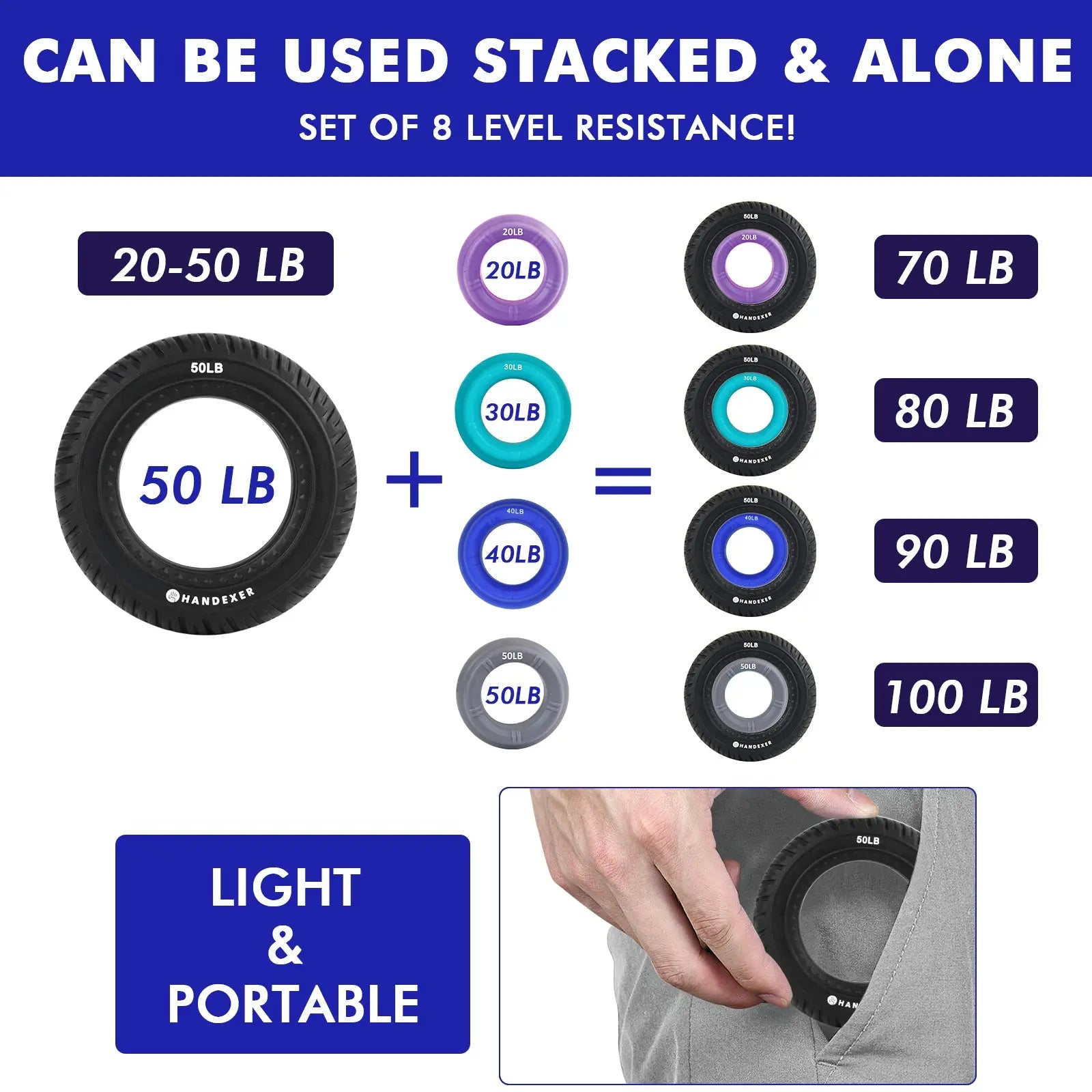
During short breaks, use a low-resistance grip ring for a few gentle squeezes. Light resistance can gently activate the fingers, hands, and forearms while helping promote local circulation, without turning your break into a workout.
You can also:
- Take your hands away from the mouse and keyboard.
- Open and relax your fingers.
- Gently move your wrists through a comfortable range of motion.
- Stand up or walk around for a moment.
Keep the resistance light and the movements comfortable. If an exercise causes pain or discomfort, stop rather than pushing through it.
4. If Your Wrist Is Already Uncomfortable, Let It Recover
This is where the approach changes.
If your wrist is already uncomfortable, the priority should be to reduce the activities that make it worse and give your hand time to recover, rather than immediately adding resistance exercises.
You do not necessarily have to stop working at a computer. Instead, look for ways to reduce unnecessary or repetitive hand use during the workday.
You can try to:
- Take more frequent breaks from the mouse.
- Reduce unnecessary clicking, dragging, and scrolling.
- Switch between different tasks when possible.
- Adjust your workstation if a particular position makes your wrist uncomfortable.
- Avoid activities that clearly increase your discomfort.
The goal is to give your wrist more opportunities to recover while still allowing you to manage your normal work responsibilities.
Once your wrist feels comfortable again, you can gradually return to your usual activities and shift your focus toward long-term prevention.
When Should You Get Professional Advice?
Not all wrist discomfort comes from computer or mouse use.
If symptoms persist, become worse, or significantly affect daily activities, consider seeking advice from a qualified healthcare professional.
Professional evaluation is especially worth considering for:
These symptoms may have causes that cannot be addressed simply by changing mouse habits.
5. Build Healthier Hand Habits After Your Wrist Feels Comfortable
Feeling better does not necessarily mean the process is over.
Once your wrist feels comfortable again, it is a good time to build healthier habits for long-term hand health. Prevention is better than waiting for discomfort to return.
You can gradually add simple hand exercises to your routine to help maintain hand strength and keep your hands active.
Convenience at Your Desk: The Grip Ring
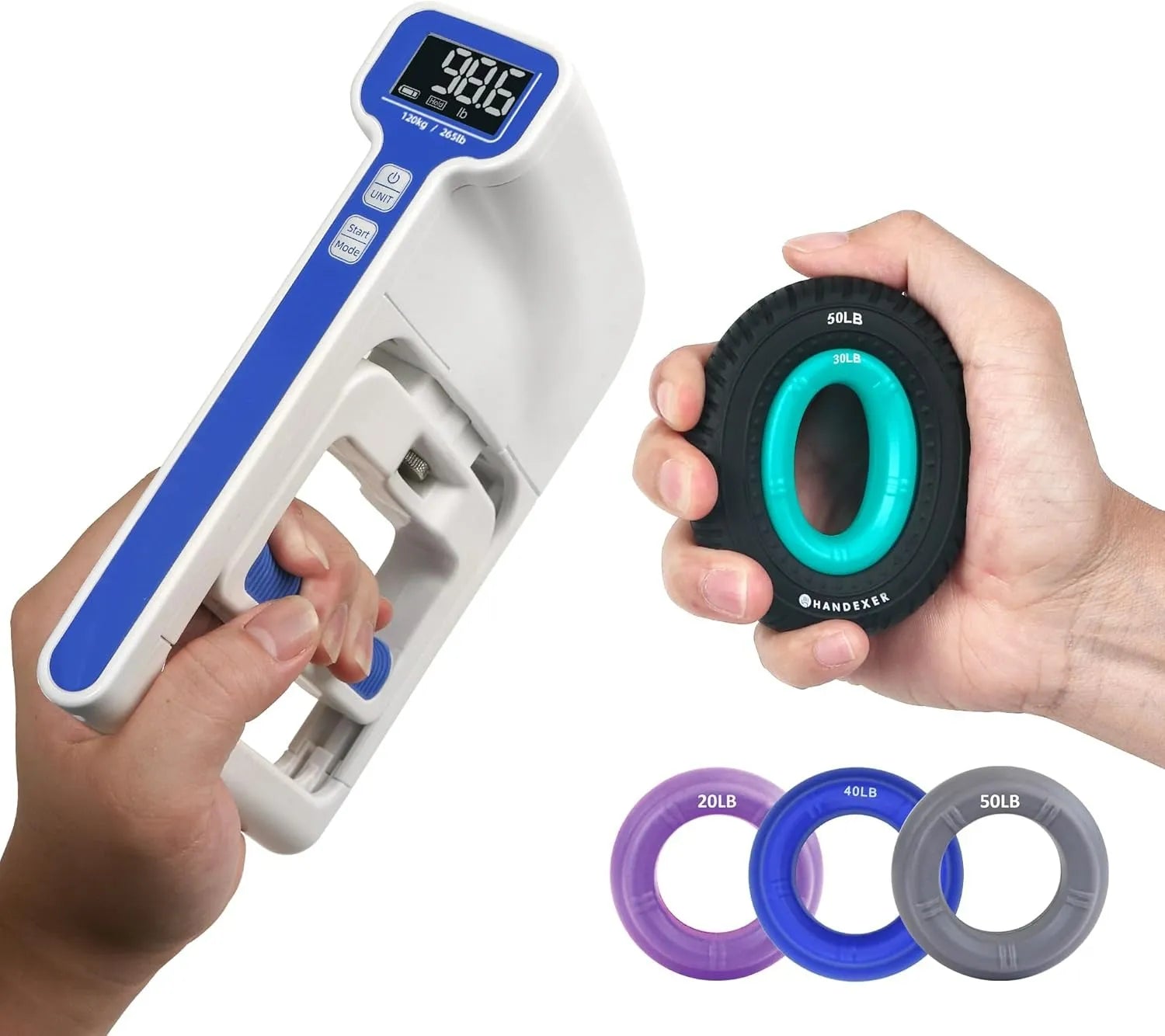
A grip ring can be especially convenient for office workers because it is small, easy to keep at your workstation, and ready to use whenever you have a spare moment. You do not need to schedule a separate workout. When you see it on your desk and remember, simply pick it up and give it a few comfortable squeezes—between tasks, after finishing an email, or during a short break from the screen.
That “pick it up and squeeze it” convenience can make it easier to turn occasional hand exercise into a simple everyday habit.
Start gradually and focus on consistency rather than intensity. If an exercise causes pain or discomfort, stop rather than pushing through it.
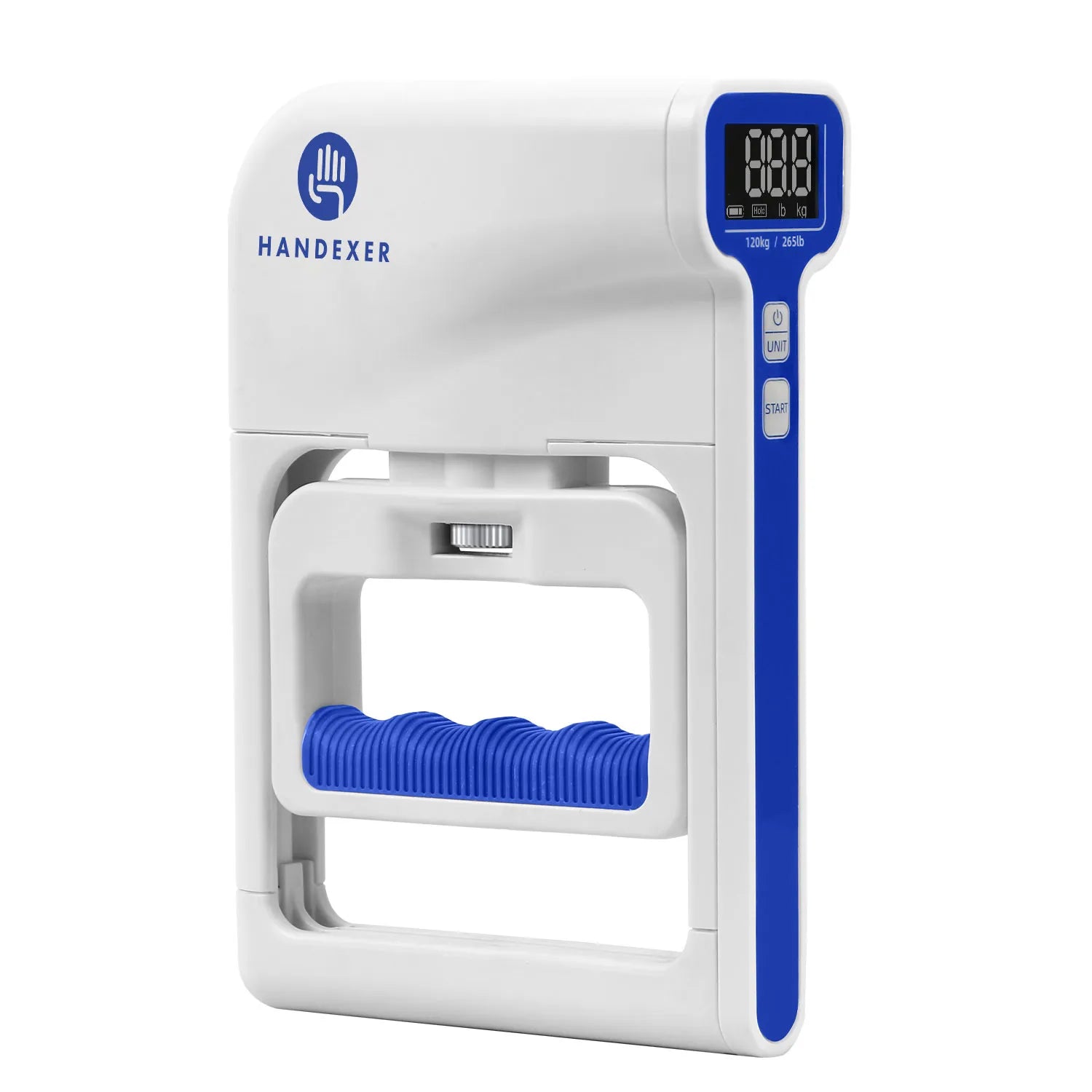
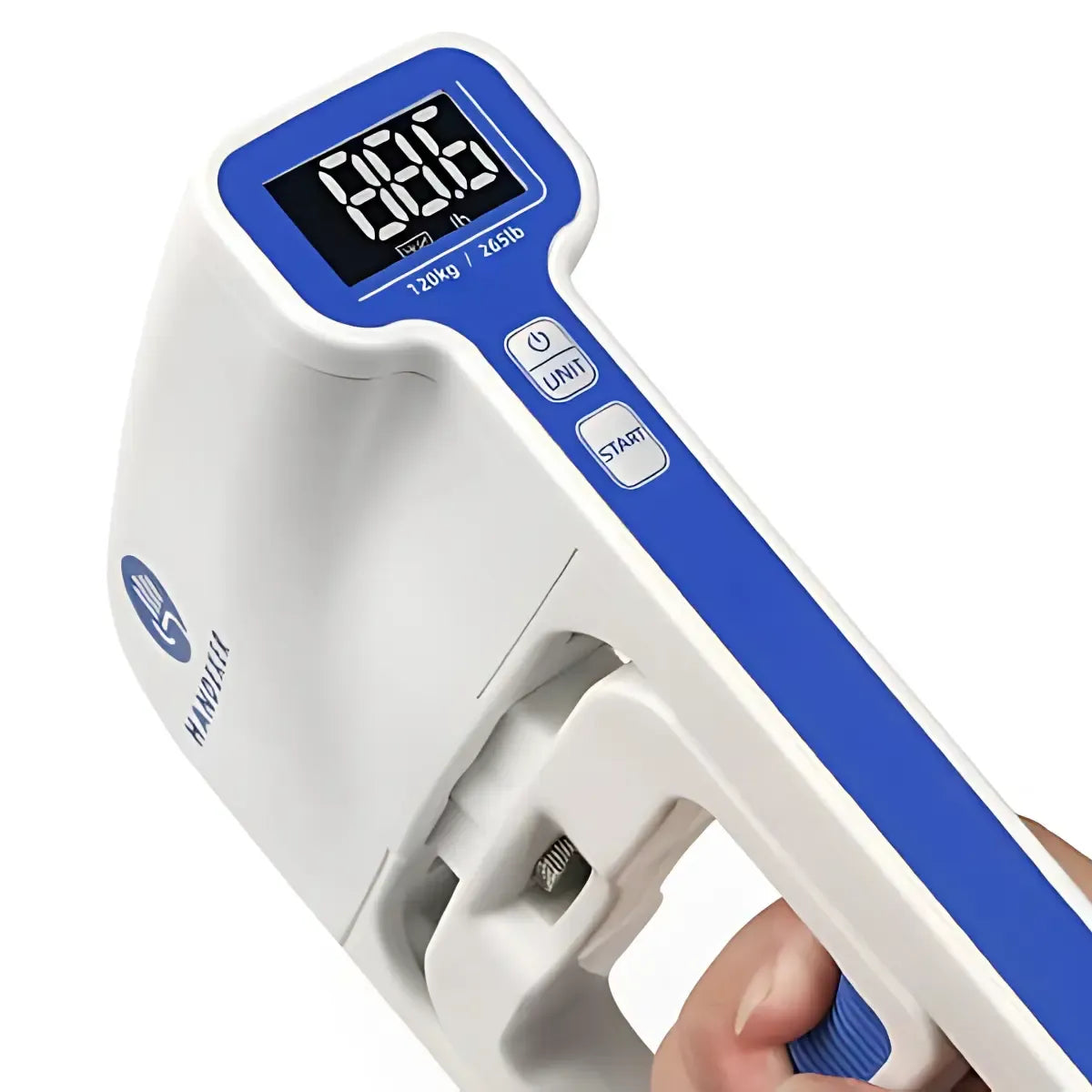
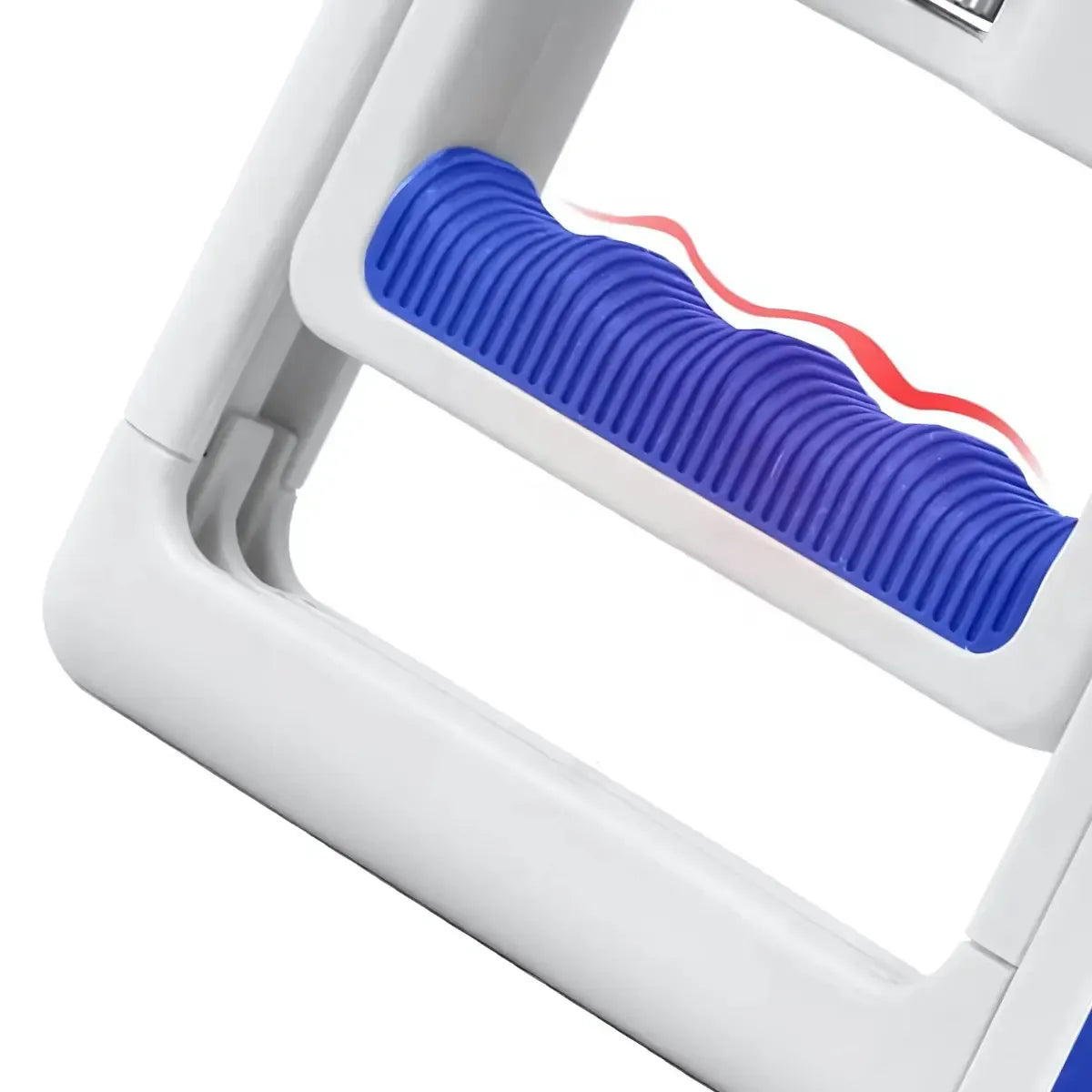
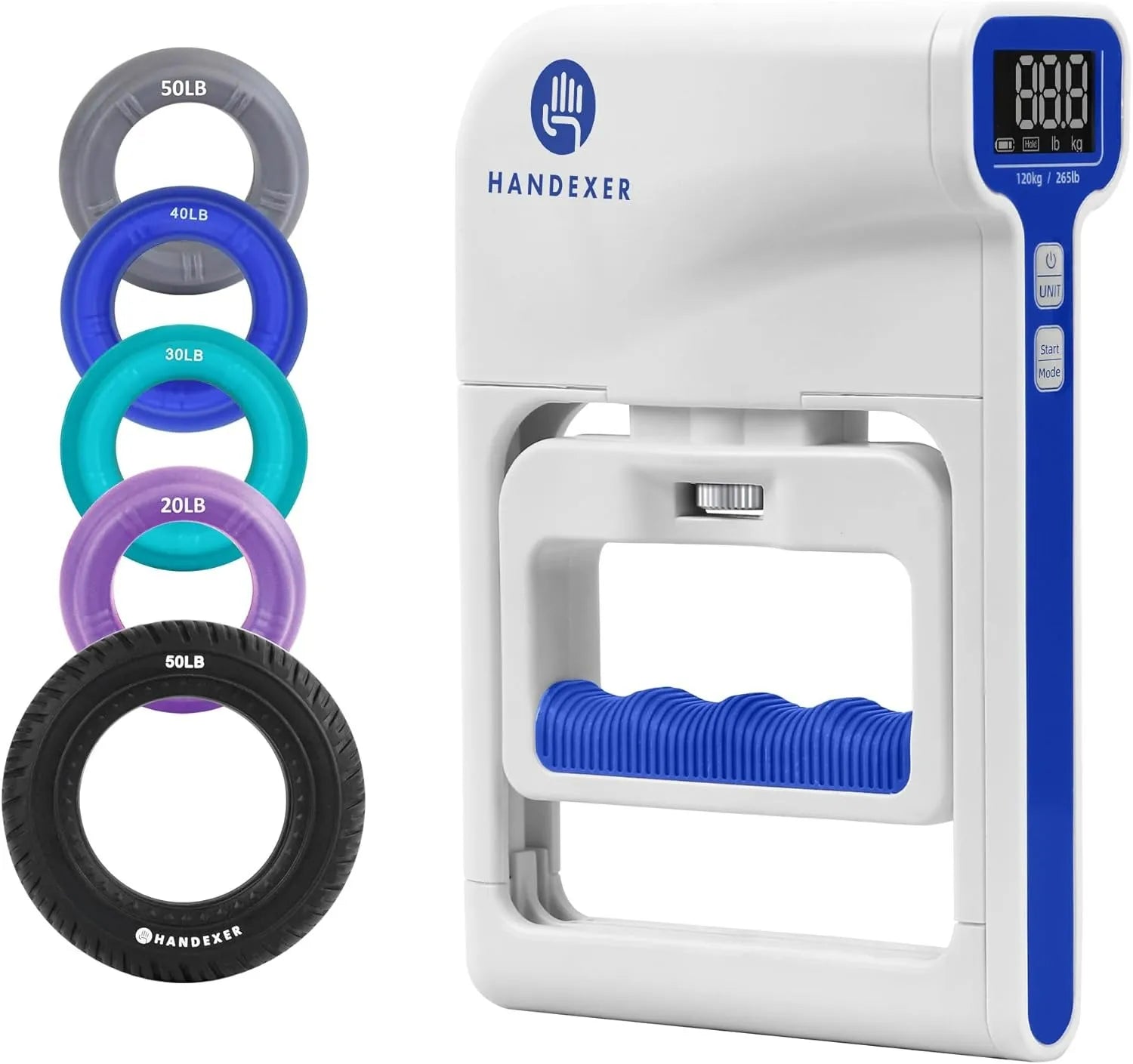
As you build a regular hand-health routine, tracking your grip strength can also help you better understand changes in your hand strength over time. A digital hand dynamometer can help you establish a personal baseline, compare left- and right-hand strength, and track changes over time.
Track your muscular endurance and monitor left-to-right symmetry over time. The Handexer Digital Hand Dynamometer provides precise, digital tracking to assess long-term functional health right from your home or office.
Frequently Asked Questions
Can using a mouse cause wrist pain?
Mouse use can contribute to wrist discomfort, especially when computer work involves repetitive movements, awkward positioning, excessive gripping, or long periods without changing position.
However, wrist discomfort can have many possible causes, so mouse use should not automatically be assumed to be the only factor.
Is a wrist rest helpful?
A soft wrist rest may provide comfortable support during everyday computer use.
It should feel supportive without forcing your wrist into an uncomfortable or fixed position. If a wrist rest increases pressure or discomfort, it may not be the right option for you.
How often should I take breaks from the computer?
There is no single break schedule that works for everyone.
The important thing is to avoid spending long periods in exactly the same position without moving. Natural pauses—such as after finishing an email, completing a task, or leaving a meeting—can be good opportunities to stand up, change position, and move your hands.
Should I use a grip ring if my wrist hurts?
Not necessarily.
If your wrist is already uncomfortable, the first priority should be to reduce activities that aggravate it and give it time to recover. Once your wrist feels comfortable again, you can gradually introduce appropriate hand exercises if they feel comfortable.
Should I exercise my hands if my wrist hurts?
If an exercise increases pain or discomfort, stop rather than pushing through it.
Once your wrist feels comfortable, gradual hand exercises may become part of a longer-term hand-health routine. The goal is to build healthy habits, not to exercise through discomfort.
How can I prevent mouse-related wrist discomfort from coming back?
Start with the basics:
- Keep your mouse within easy reach.
- Maintain a relaxed grip.
- Reduce unnecessary clicking, dragging, and scrolling.
- Take short breaks during long computer sessions.
- Avoid staying in the same position for too long.
- Once your wrist feels comfortable, gradually build healthy hand and strength habits.
Consistency matters more than making major changes all at once.
Final Thoughts
For people who spend most of the day working at a computer, protecting your hands does not mean avoiding the mouse or changing your entire work routine.
Start simple: keep your mouse within easy reach, relax your grip, reduce unnecessary repetitive movements, and create regular opportunities to move.
If your wrist is already uncomfortable, focus on recovery first rather than immediately adding resistance exercises.
Once it feels comfortable again, shift your attention toward prevention through healthier hand habits and appropriate hand-strength exercises.
Disclaimer: This article is for general educational purposes only and is not intended to diagnose, treat, or cure any medical condition. If you have persistent, worsening, severe, or concerning symptoms, consult a qualified healthcare professional.












Share:
The Grip Strength Test and Its Implications: What It Actually Measures
Changes in Gut Microbiota Associated with Decreased Grip Strength in Older Adults